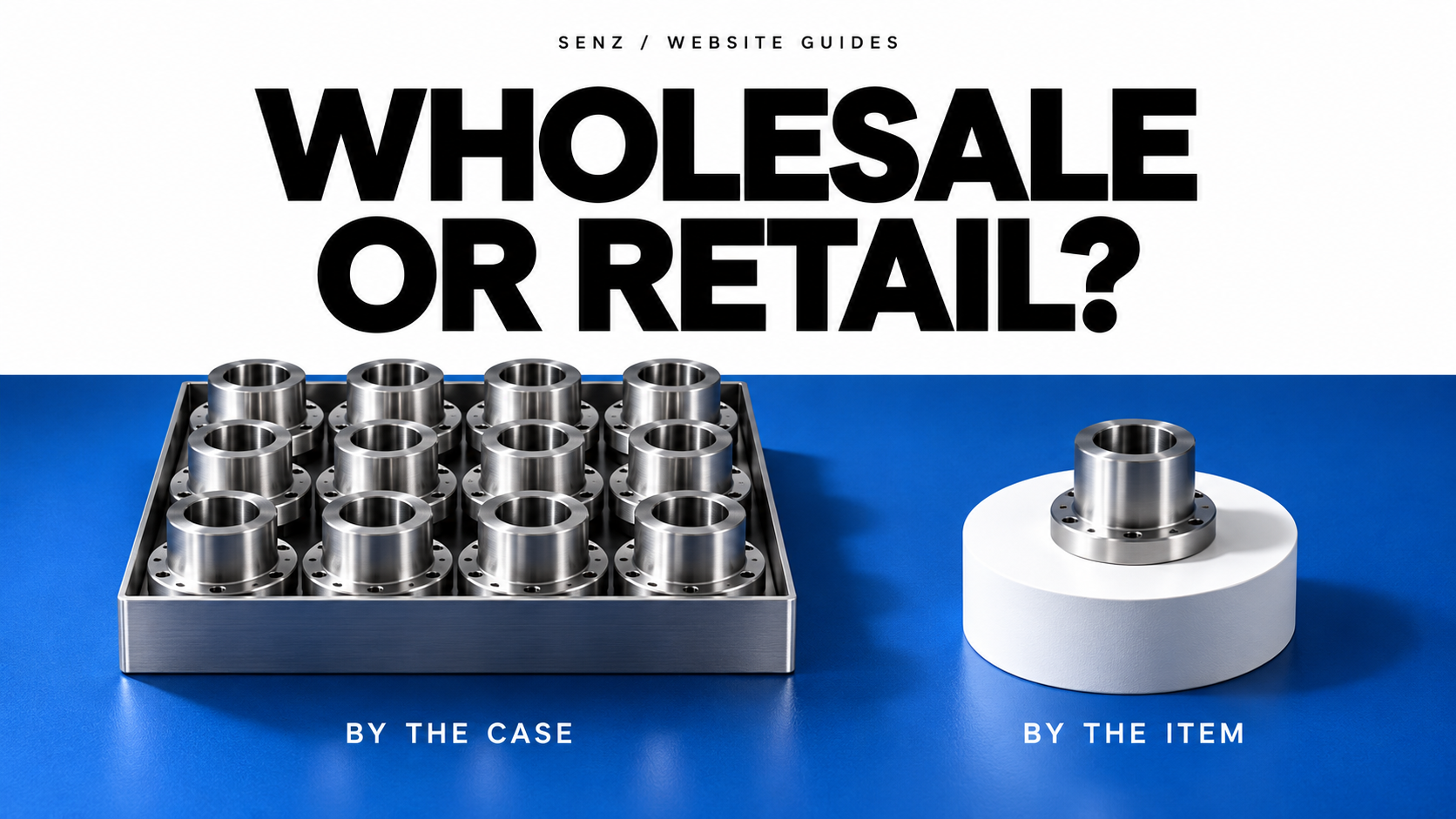
A wholesale website should help a business buyer order or request a quote using the right product, quantity, price and delivery terms. A retail website usually helps an individual choose an item and complete a purchase. Design the buying route around the terms you can actually confirm.
That can mean public checkout, an enquiry catalogue or an approved trade account. Wholesale businesses can use any of these. A company selling to both businesses and consumers may need two buying routes within the same site.
This guide is for owners commissioning or changing a business website. It explains which requirements to give a designer and what to test before launch. Platform documentation and the public Brace example were checked on 22 October 2026.
The differences that change the website
Wholesale commonly involves supplying businesses buying for resale or further business use. Retail serves the final customer. Business-to-business sales are broader than wholesale: a company buying a single replacement machine may still need a business purchasing process.
Use the following as a starting point. Your own order conditions take priority over the label.
| Decision | Retail buying route | Wholesale buying route |
|---|---|---|
| Who is buying? | Usually an individual choosing for personal use | A buyer acting for a business; account approval may matter |
| What identifies the product? | Images, benefits, size and options | The same basics, plus exact SKU, specification, pack unit and relevant compatibility |
| Which price applies? | Often a public price for the chosen variant | Public, quantity-based, account-specific or confirmed by quotation |
| How much can be ordered? | Often individual units | Units, packs or cases with clearly stated minimums and increments where applicable |
| What completes the purchase? | Checkout when price, payment and delivery can be confirmed | Checkout, an approved purchase order or an accepted quote, depending on the business |
| What helps a repeat buyer? | Saved favourites and a familiar checkout | Exact-code lookup, previous order lines or a quick order list, when supported |
A larger order alone does not require a complicated account portal. Equally, a page headed “Wholesale” does not establish customer pricing, stock control or a working quotation process. Ask to see the required behaviour.
Choose the buying route before choosing the layout
Public checkout
Use this when the buyer can select valid quantities and you can reliably calculate the applicable price and delivery charge. Product availability, payment and shipping rules must support the promises shown on the page.
This can suit standard wholesale packs as well as retail items. If an order needs a manual freight calculation, explain when the buyer will receive the final total instead of presenting an incomplete amount as payable.
Catalogue with a quote request
Use this when availability, specification, mixed product lines or delivery need review. Let buyers provide product references, quantities and destination, then explain what happens next. A multi-item request should preserve every line and its quantity.
A simple email or WhatsApp enquiry can be sufficient for an initial scope. A quote basket with saved lines, staff notifications and status tracking is additional functionality. For example, WooCommerce documents a Quote Request extension for collecting and managing requests; a catalogue theme by itself does not establish that workflow.
The confirmation should say that the request was received. Staff still need to confirm availability and commercial terms. Keep an enquiry acknowledgement distinct from an accepted order.
Approved trade account
Use this when customers need controlled catalogues, agreed prices, purchasing permissions or repeat ordering. Define who approves accounts, what each buyer can see and who maintains the terms. A login screen is only the entrance to that system.
Shopify's B2B catalogue documentation describes controlling product access and pricing through catalogues. Check the current plan and implementation against your requirements before buying; this guide is not a claim that every subscription includes every trade feature.
If you sell wholesale and retail together, one site can be appropriate. Shopify, for example, documents blended and dedicated B2B stores. Choose based on your staff, inventory and order rules. A shared brand does not mean the two buyer groups must receive identical prices, shipping or payment options.
Make the units and price rules unambiguous
For each product, decide which information a buyer needs before committing: exact reference and variant, selling unit, pack size, minimum quantity, order increment, price basis, availability and delivery conditions. State whether a displayed amount is per item, pack or case, and whether tax or freight still needs confirmation.
Minimum quantity, pack increment and volume discount are separate rules. Shopify's quantity and volume-pricing documentation illustrates this distinction and explains that rules can apply to individual variants. Do not assume two colours or sizes can be combined to reach a minimum.
Illustrative example: suppose one product is sold in cases of 12, the minimum is 24 items, and the quantity field counts individual items. Valid quantities start at 24, then 36, 48 and so on. An entry of 30 needs a clear correction. If the field counts cases instead, the minimum is 2 cases and the step is 1 case. Both routes can work; the unit label must match the calculation.
If a volume discount starts at 48 items, the minimum order of 24 does not qualify. Display the applicable unit price and line subtotal at each quantity. Any tax or freight exclusions must remain visible. These are invented conditions to explain the calculation, not a supplier offer.
For repeat business, request a demonstration using several product codes. Can the buyer find the exact variant, change quantities and spot unavailable lines without opening every product page again? Add bulk entry or reorder tools only when they solve that actual workflow.
If your records are incomplete, the catalogue preparation guide covers product references, images and structured data before the website is built.
A live example: what Brace's enquiry route shows
The public Brace Auto Parts website addresses importers and distributors. Its homepage links to a parts catalogue and WhatsApp enquiries, and asks buyers for part references or names, quantities and destination. Where needed, it requests vehicle details or photos to check the version.
That is a concrete example of a buying route built around identifying the requirement and confirming sourcing conditions. A buyer needs a useful next step even when the transaction cannot be priced automatically.
Brace is our own company website and is also shown in the website case study. This example demonstrates the visible enquiry approach. It does not establish a conversion rate, a sales result or the presence of a logged-in wholesale ordering system. Use the example to assess the information a buyer can provide, rather than assuming that a similar design will produce the same commercial outcome.
Give the designer these acceptance tasks
Write down a representative order and ask the designer to demonstrate it on desktop and phone. Include the relevant failure cases:
- Find the right item. Use an exact product code and a variant that could be confused with another. The result should identify what is being ordered and its selling unit.
- Enter an invalid quantity. Try a number below the minimum and one outside the pack increment. The site should explain the allowed quantity before the buyer submits or pays.
- Check the price boundary. Try quantities immediately below and at a discount threshold. Confirm the unit price, subtotal and any outstanding charges. For account prices, test an approved buyer, an unapproved buyer and a logged-out visitor.
- Complete the chosen route. For quotations, submit a clearly marked test request and have staff confirm the full list arrived. For checkout, use the payment provider's test mode and confirm the resulting order record. For purchase orders, test the agreed approval process.
- Handle an exception. Include an unavailable product or a destination requiring manual freight. The page must tell the buyer what still needs confirmation and how to continue.
- Repeat the order. Check whether saved lists or past orders preserve the intended items while rechecking current prices and availability. Confirm who will keep product and account data current after launch.
Agree which of these functions are included in the quote. Product entry, customer approval, account pricing, live inventory, freight calculation and quotation management are different responsibilities. An attractive preview should be followed by a demonstration of the functions you are buying.
Common questions before commissioning the site
Does a wholesale website have to hide prices?
No. Publish prices when they are valid for the intended buyers. Use account access or a quotation route when terms vary or require approval. Explain the next step so a visitor is not left with an unexplained blank price.
Does wholesale always need online payment?
No. An enquiry catalogue can be a suitable first version when staff must confirm the order. Make the responsibility for reviewing, quoting and following up explicit. If buyers can already order standard packs at known prices, checkout may be more convenient.
Should wholesale and retail use separate websites?
Separate sites may help when staff, inventory or purchasing rules differ substantially. One site can work when the same team manages the products and the system reliably applies each buyer's rules. Test those rules before deciding based on appearance alone.
Start your brief with a sentence such as: “An approved buyer must be able to request these product lines in these quantities, for this destination, and receive this next step.” That gives a designer a function to build and gives you a result to verify. If you want to discuss the scope, send the buying route you need.